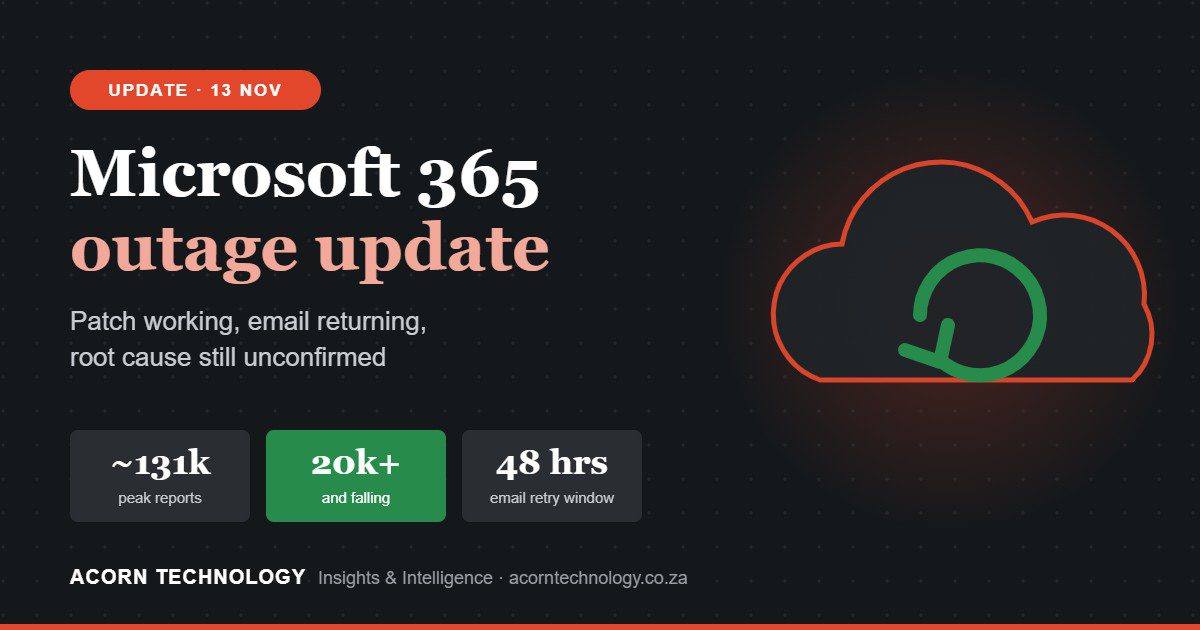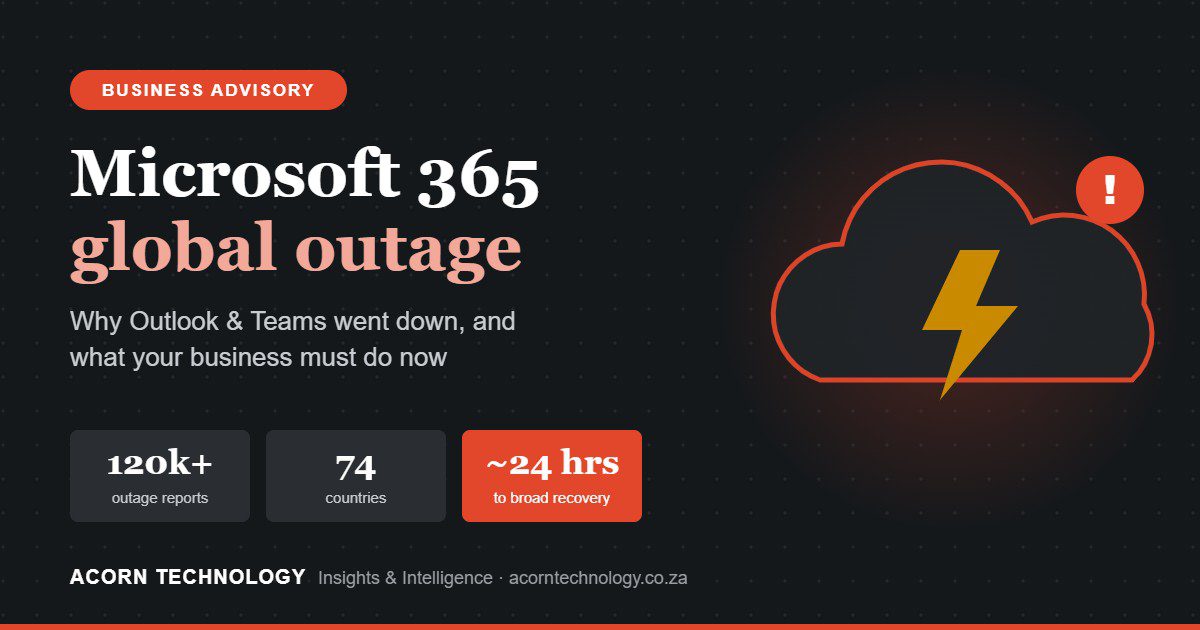
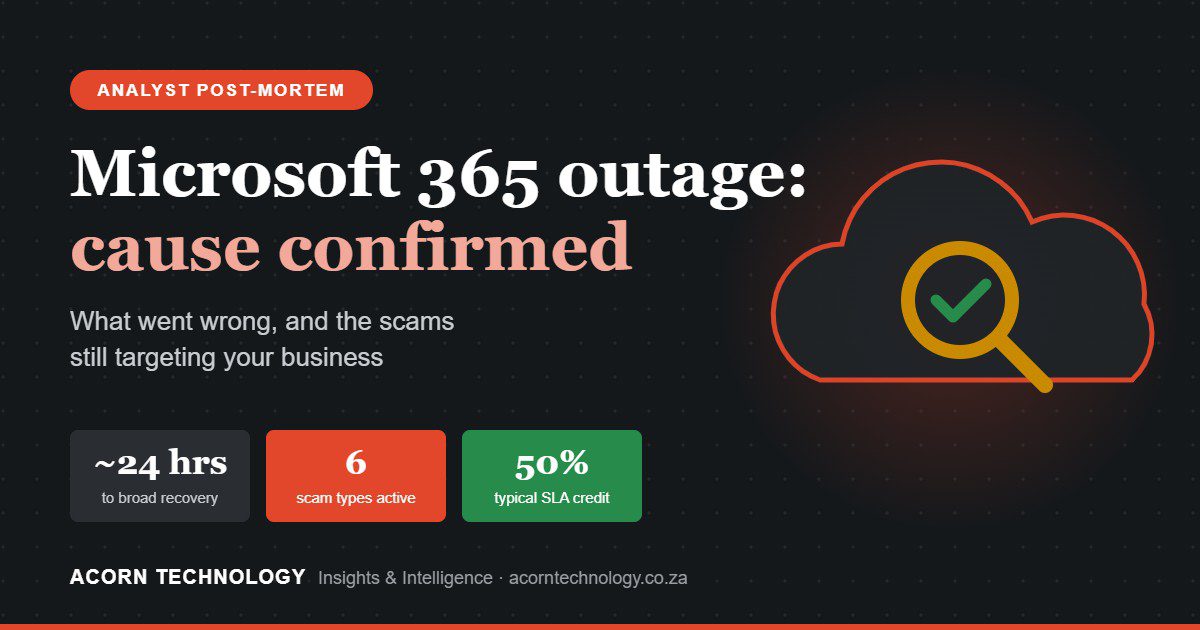
After about 24 hours, Microsoft 365 is back. Microsoft has apologised, fixed the underlying issue and named a cause. This final briefing covers what went wrong, the threats that are still active, and what every business should do before Monday.
It follows our original advisory and Friday’s update.
- The cause: a hidden fault from an earlier network capacity upgrade, exposed by a recent change. Not a cyberattack, and not AI.
- Status: service restored after about 24 hours; Microsoft is monitoring, and its root-cause report is still to come.
- The threat now: six outage-themed scams are active, some quoting real Microsoft incident numbers.
- Before Monday: brief staff, re-check payments, review sign-ins and inbox rules, and claim your SLA credit by 31 December.
The cause, in Microsoft’s words
“The incident was introduced by an issue during an earlier network capacity upgrade that surfaced following a recent network change.”Microsoft statement, 13 November 2026
Not an attack
“A technical issue not related to cyber or AI / agents”, with no evidence of malicious activity.
Slow recovery was deliberate
Services were restored gradually, “validating stability at each stage”, to avoid another collapse.
An apology
“We are deeply sorry for the disruption this incident has caused our customers and partners.”
Still to come
A Post-Incident Report with the full root cause. Reports of Azure virtual network changes are unconfirmed.
A hidden fault, waiting for a trigger
Microsoft’s explanation describes a latent fault. Something went wrong during an earlier capacity upgrade, but nothing visibly broke. The defect sat unnoticed until a later network change exposed it. It then overloaded the process that sets up secure connections, and the failure spread from there.

This matters for every business, not just Microsoft. The same pattern causes outages in company networks, firewalls and business systems: an old change that “worked fine” becomes the root cause months later. Good change management records every change, so engineers can look back further than last week.
How our Thursday-night analysis held up
Before Microsoft had said much, we published our assessment. Here is how it compares with what has been confirmed:
| What we said on Thursday | What’s now known | Verdict |
|---|---|---|
| A change, not an attack, was the most likely trigger | Microsoft confirms a network change exposed a fault from an earlier upgrade, and says it was not cyber-related | ✔ Confirmed |
| The secure-connection (TLS) process was the bottleneck | Microsoft’s updates said the process establishing secure connections was overwhelmed | ✔ Confirmed |
| Health checks turned a local problem into a cascade | Servers failed health checks; unavailable servers strained the rest | ✔ Consistent |
| A “thundering herd” would make recovery slow | Microsoft restored gradually, “validating stability at each stage” | ✔ Consistent |
| Security tools would go down, and scammers would exploit it | Defender XDR and Outlook-delivered alerts were affected; outage-themed phishing is circulating | ✔ Confirmed |
| The exact technical mechanism | Awaiting Microsoft’s Post-Incident Report | ⏳ Pending |
The outage from start to finish
The outage is over. The attacks are not.
Outage-themed phishing began within hours and is still circulating. These scams are dangerous because they use real details, like genuine Microsoft incident numbers, to look legitimate.
Fake “quarantined messages”
Subject “Outage – ” plus random characters, quoting real incident ID EX1550543 and a “RESTORE MESSAGES” button.
EMAILPassword / MFA “reset”
Offers to reset your password or re-enrol MFA, leading to a fake Microsoft sign-in page.
EMAILSMSFake IT support
“Microsoft support” calls or Teams chats pushing a password reset or a remote session (e.g. Quick Assist).
PHONETEAMSPayment redirection
A “manager” or “supplier” says email is down and asks for payment to a new bank account.
SMSRefund offers
“Claim your outage refund” or a fake “Microsoft update”. Real credits come only via the admin centre.
EMAILAccount deactivation threats
“Your account was inactive and will be closed. Verify now”, with a button to a fake page.
EMAILThe visibility gap
During the outage, many security teams lost access to Defender XDR and to alerts delivered by Outlook, at the same moment these scams were being sent. If an attacker got in during that window, the warning signs may have been missed, or may be sitting unread in a backlog.
We’ll do them for you: sign-ins, inbox rules, MFA changes and app consents since 12 November, the delayed alert backlog, and your SLA credit claim.
Your post-outage security checklist
For business owners and managers
- Brief staff on MondayMicrosoft won’t email, SMS or phone anyone about this outage.
- Re-check payment changesCall back on a number you already have.
- Make it safe to reportEarly reporting of a mistake limits damage.
- Ignore “refund” offersCredits come only via the admin centre or your partner.

For your IT team or IT provider
- Find and remove the luresMessage trace and Threat Explorer: search restore, verify, reset, MFA or refund wording with links. Purge and block.
- Review sign-ins since 12 NovEntra ID: new locations, new OAuth consents, new MFA registrations. Export logs now (30 or 90 days).
- Check for persistencePurview audit log: new inbox rules and forwarding. Remove, reset passwords, revoke sessions.
- Close remote-access pathsLimit Teams external access; restrict Quick Assist to authorised IT staff.
- Clear the alert backlogDelayed alerts may be the only record of what happened while you couldn’t see.
- Move to phishing-resistant MFAPasskeys or security keys stop stolen passwords working.
Claim the credit Microsoft owes you
Microsoft’s SLA promises 99.9% monthly uptime: about 43 minutes of downtime a month. A ~24-hour outage goes well past that, and credits are not paid automatically.
- Open a service requestIn the Microsoft 365 admin centre, or through your Microsoft partner (CSP) if you buy through one.
- Include the detailsIncident IDs EX1550543 and MO1550821, start and end times, users affected and locations.
- Submit by 31 December 2026The end of the month after the outage.
Be realistic: the credit covers only the affected service’s share of your licence, for affected users. It will be a small fraction of what the day really cost, and that gap is the real business case for resilience.

Five lessons for business leaders
Concentration is a risk
When email, chat, files and security run on one platform, one fault takes them all down.
Old changes cause new outages
Record every change, and ask providers how they test and roll back.
Independent security
Monitoring, backup and alerting outside Microsoft 365 keep working when it doesn’t.
Plan your communications
Agree an out-of-band channel in advance, not improvised on WhatsApp.
Rehearse
A one-hour tabletop using this week’s outage shows the gaps, at almost no cost.
We check sign-ins, inbox rules, MFA registrations and app consents since 12 November, clear the alert backlog, and help you claim your SLA credits.
We will update this analysis when Microsoft publishes its Post-Incident Report.
Sources: Microsoft 365 Status (incidents EX1550543, MO1550821) and Microsoft’s statement of 13 November 2026; ABC7; Life News Agency; RansomNews; Field Effect; SOCRadar; LazyAdmin; The Week. Reflects information available at about 08:30 SAST on 14 November 2026. SLA terms summarised from published analysis; check your own agreement. General guidance only.